







FIELD GUIDE · PURPOSE AND BOUNDARIES
Tensor Fractal Studio: practical use and context
Tensor Fractal Studio is an interactive mathematical-art experiment. It lets visual designers and technical learners explore how a three-by-three tensor and fractal parameters affect a ray-marched three-dimensional field.
↑ Back to the application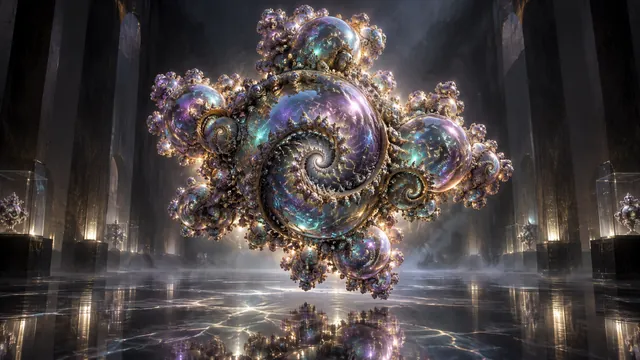
Change one parameter and observe the field
Start from a preset with a recognizable surface. Orbit and zoom until you can relate the controls to the visible form. Choose one of the available formulas, then adjust a single tensor cell or formula parameter at a time. A controlled sequence is easier to understand than changing the entire matrix and camera together. Keep a preset before pursuing a substantially different direction.
The four formula families have different behaviors. A Mandelbulb, quaternion Julia field, Mandelbox and raw tensor-power field are not interchangeable render styles pasted onto one object. Read the writeup when comparing them. The image is a numerical visualization of the selected setup, not a measured physical specimen or a model validated against an experiment.
An experiment in structure and viewpoint
Select a preset, keep the camera still and alter one off-diagonal tensor value. Observe whether the surface stretches, twists or becomes difficult to resolve. Restore the value before trying another cell. Next, hold the parameters fixed and orbit the camera. This separates a changed field from a changed view of the same field, a useful distinction when discussing results with another person.
For a design study, compare silhouettes and negative space rather than claiming that one tensor is objectively more beautiful. Keep notes of the parameters you changed. Device-local presets are convenient working records, but should not be treated as a cross-device research database or a permanent archive.
Understand the rendering approximation
Distance estimation and finite ray-marching steps approximate a surface. Fine structure can disappear, shimmer or change as the camera and precision settings interact. A dark or empty view may mean the chosen parameters moved the surface outside the useful view, not that the mathematics has ceased to exist. Return to a known preset before diagnosing a browser failure.
Browser and interpretation limits
The studio requires a functioning WebGL environment. Rendering cost depends on the device, resolution and scene settings; no universal frame rate is promised. Other tabs and power-saving settings can affect responsiveness. If the canvas cannot initialize, the explanation and writeup remain useful, but the page cannot substitute a server-rendered interactive scene.
This is a visual exploration tool rather than a symbolic algebra solver, finite-element analysis package or proof assistant. Attractive geometry does not establish a new theorem or a physical claim. Separate screenshots and qualitative observations from reproducible numerical evidence when using the studio in a presentation or lesson.