









FIELD GUIDE · PURPOSE AND BOUNDARIES
Interactive Marketing Assets: practical use and context
This page is a catalog of interactive content formats and related services. It helps teams consider which format suits a real audience task; descriptions of possible projects are not claims that every format is a ready-to-use installed app.
↑ Back to the application
Choose the audience task before the visual effect
Begin with the question a visitor needs to answer. A comparison, calculator, quiz, viewer and exploratory visualization create different interactions. Review the relevant format and any displayed service details, then use the proposal path to discuss scope. Do not assume that a catalog example includes your dataset, branding, integrations, ongoing hosting or legal review unless those items are explicitly agreed.
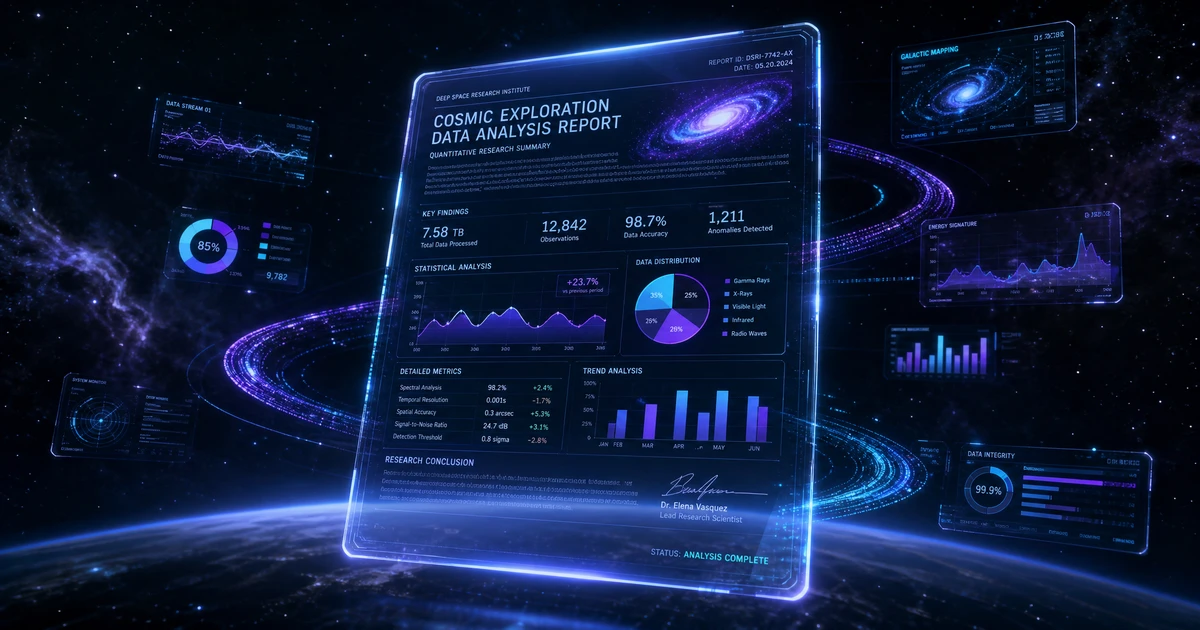
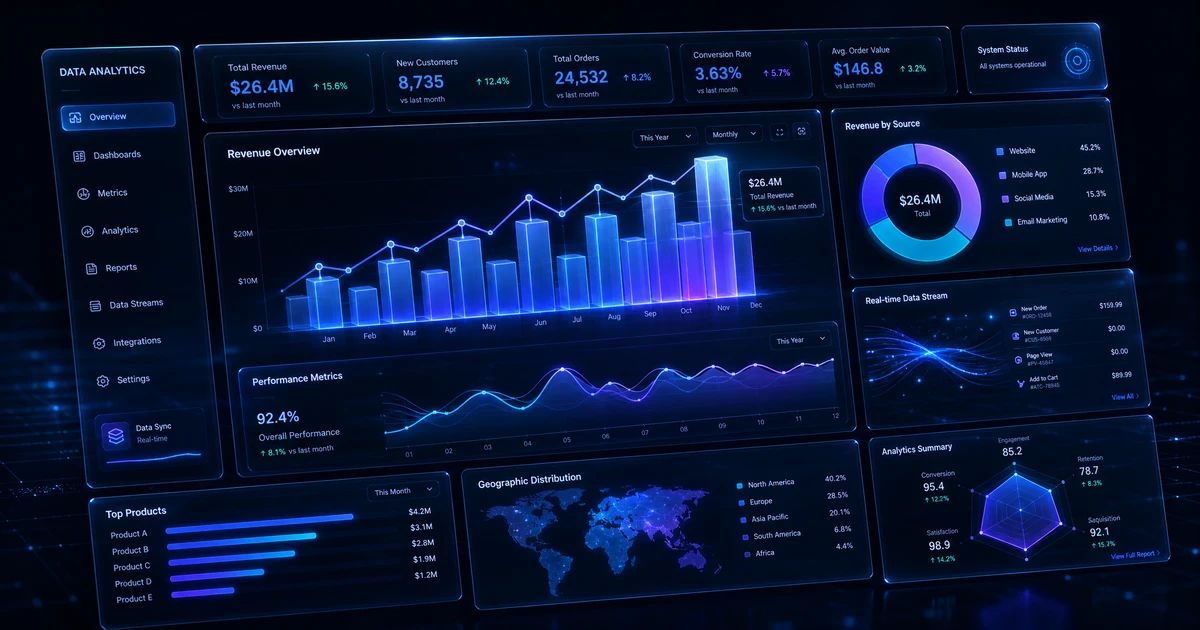
Prototype the simplest useful interaction first. Define its inputs, expected output and failure states before adding animation. A polished visual effect should support comprehension, not hide labels or force motion on someone trying to read. Include a nonvisual explanation when a chart or scene carries information.
Compare a viewer with a decision tool
A panorama can help someone explore a photographic environment. A calculator needs explicit assumptions, validated arithmetic and clear units. They should not be evaluated by the same success criterion. Try the existing public examples to understand interaction patterns, then write a brief describing the task your own audience needs to complete.
When measuring a finished project, distinguish a completed task from a click or pageview. Avoid promising a conversion increase before observing an appropriate comparison. Useful content can support a marketing program, but the format alone does not establish a causal business benefit or a particular return on investment.
Service scope and factual publishing
Displayed pricing and availability belong to the current service records; a final project may require a scoped agreement. Respect permissions for data, images and embedded media. Test the actual implementation for keyboard access, loading failures and small screens rather than assuming a demo’s appearance transfers automatically to every project.