







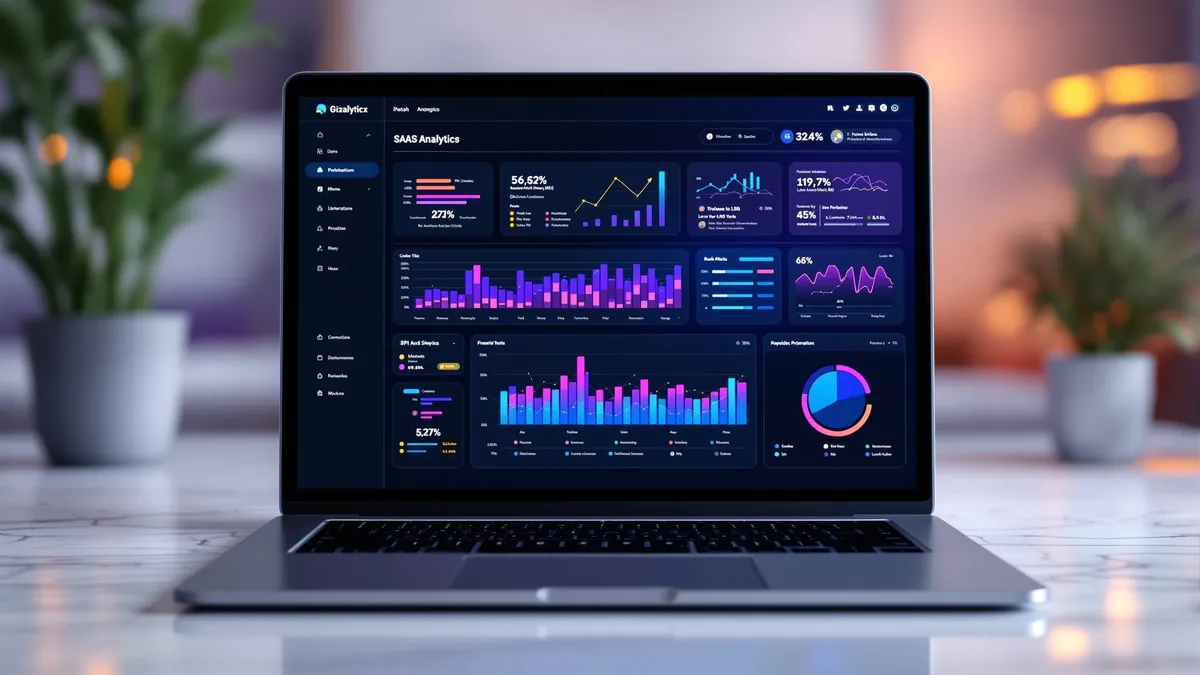
Web analytics is the backbone of every successful digital marketing campaign. Without accurate, real-time data about how visitors interact with your website, you are making decisions in the dark. That is why Digital Marketing Co. built the most comprehensive web analytics dashboard available as a premium add-on — a 92-tab command center with over 95 keyboard shortcuts, dark mode, annotation support, goal tracking, predictive analytics, and AI-powered insights — all running at zero additional compute cost because it uses pure JavaScript, database queries, and client-side charting.

In this article we walk through every feature of this analytics powerhouse, explain why it matters for your SEO, AIO, GEO, and AEO strategy, and show you how it compares to tools like Google Analytics 4, Hotjar, Mixpanel, Amplitude, PostHog, and Matomo — except it is built directly into your website with no third-party scripts slowing your pages down.
1. Why Built-In Analytics Beats Third-Party Tools
Third-party analytics scripts like Google Analytics 4 inject external JavaScript that increases page load time, triggers additional DNS lookups, and can be blocked by ad blockers — meaning you lose 30-40% of your visitor data. Our built-in analytics solution is loaded as a first-party script from your own domain, making it invisible to ad blockers and compliant with strict Content Security Policies.
Key advantages of our approach:
- Zero external requests — all data stays on your server and your database
- GDPR and CCPA friendly — no cookies shared with third parties
- No sampling — every single pageview, click, and scroll event is captured
- Core Web Vitals safe — our tracker is under 5KB gzipped and deferred
- Instant insights — data appears in your dashboard in under 2 seconds
2. The 92-Tab Dashboard — A Complete Overview
Our analytics dashboard organizes 92 specialized views into 8 intuitive categories, each represented by an animated 3D card with glow borders, progress tracking, and mini sparklines:
📊 Dashboard Category (12 tabs)
Overview, Real-Time, Engagement, Top Pages, Page Rankings, Summary Report, Performance Score, Data Management, Scroll Velocity, Content Performance, Hourly Traffic Heatmap, and Page Load Times.
👥 Audience Category (10 tabs)
Visitors, Geography, Devices, Technology, Browser Versions, New vs Returning, Visitor Profiles, Cross-Device, Visit Frequency, and Returning Visitor Depth.
🔄 Behavior Category (10 tabs)
Behavior Flow, Scroll Depth, User Flow, Click Patterns, Session Explorer, Time on Page, Page Depth, Engagement per Page, Bounce Analysis, and Visitor Journey.
🔗 Acquisition Category (8 tabs)
Sources, UTM Campaigns, Landing Pages, Referrer Quality, Channel Breakdown, Social Media Analysis, Outbound Links, and URL Parameters.
📝 Content Category (8 tabs)
Content Groups, Content Freshness, Entry/Exit Pairs, File Downloads, Landing Page Performance, Content Decay, Multi-Language, and Page Group Comparison.
⚡ Performance Category (8 tabs)
Page Speed, Speed Tips, UX Issues, Error Impact, JS Errors, Session Duration, Day of Week, and Engagement Funnel.
🎯 Conversions Category (8 tabs)
Goals, Funnels, Forms, A/B Tests, Attribution, Conversion Paths, RFM Analysis, and Cohort Analysis.
🧠 Intelligence Category (8 tabs)
Alerts, Segments, Search, Events, Predictive Analytics, Bot Traffic, Privacy & Compliance, and Retention.
3. Real-Time Visitor Tracking
The Real-Time tab shows visitors currently on your site with live-updating metrics. You see active page URLs, geographic locations (mapped from timezone data — no IP logging), device types, and session durations. A pulsing green dot in the dashboard header shows the live visitor count at all times. This is comparable to Google Analytics 4's Realtime report but with zero sampling and no data delay.
4. Audience Intelligence — Know Your Visitors
Understanding your audience is critical for AIO (AI Optimization) and AEO (Answer Engine Optimization). Our audience tabs provide:
- Geographic heatmaps — see which countries and regions generate the most traffic, powered by timezone-to-country mapping across 60+ timezones
- Device and browser breakdowns — optimize for the devices your audience actually uses
- Visitor profiles — track individual visitor journeys across sessions with unique visitor IDs
- New vs Returning analysis — understand your audience loyalty and acquisition effectiveness
- Cross-device tracking — see how users move between mobile, tablet, and desktop
5. Behavior Analytics — Scroll Depth, Clicks, Rage Clicks
Behavior analytics helps you understand how visitors use your website. This is where our platform rivals Hotjar and FullStory:
- Scroll depth tracking — see exactly how far visitors scroll on every page, with percentile breakdowns at 25%, 50%, 75%, and 100%
- Click pattern analysis — identify where users click most, dead clicks, and rage clicks (3+ rapid clicks within 30px and 800ms)
- Session explorer — reconstruct individual user sessions to see their complete navigation path
- Bounce analysis — understand why visitors leave and which pages have the highest bounce rates
- Engagement scoring — proprietary algorithm combining frequency (30%), depth (30%), and time (40%)
6. SEO Performance Monitoring
For SEO, GEO (Generative Engine Optimization), and AEO, our analytics provide critical signals:
- Page rankings tracker — monitor which pages rank and their performance over time
- Landing page analysis — see which pages attract the most organic traffic
- Content freshness scoring — identify stale content that needs updating for better rankings
- Page speed metrics — Core Web Vitals monitoring integrated directly into your dashboard
- Error tracking — catch JavaScript errors before they impact your rankings
- Bot traffic analysis — see which search engine bots are crawling your site and how often
7. Conversion Tracking and Goal Management
Set up custom conversion goals (pageview, event, or click-based) and track them with:
- Goal completion rates with reference lines on all charts
- Funnel visualization — define multi-step funnels and see drop-off at each stage
- Attribution modeling — understand which channels drive conversions
- A/B testing — compare experiment variants with statistical significance
- RFM analysis — segment visitors by Recency, Frequency, and Monetary value
- Cohort analysis — track user retention over time
8. Predictive Analytics and AI Insights
Our Intelligence category goes beyond traditional analytics:
- Anomaly detection — automatically flags data points more than 2 standard deviations from the mean with ⚡ and ⚠️ badges
- Predictive analytics — trend forecasting based on historical data
- Smart alerts — get notified when metrics hit thresholds you define
- Custom segments — create reusable audience segments for targeted analysis
- Data quality scoring — real-time progress bar showing how complete your analytics data is
9. 95+ Keyboard Shortcuts for Power Users
The dashboard ships with over 95 keyboard shortcuts for analysts who want to move fast:
- Ctrl+K — Command palette with fuzzy search across all 92 tabs
- 1, 2, 3, 4 — Quick switch between 24h, 7d, 30d, and 90d date ranges
- D — Toggle dark mode instantly
- E — Export current view as CSV
- F — Toggle fullscreen mode
- Alt+1 through Alt+8 — Jump to any of the 8 categories
- Ctrl+Shift+B — Bulk export all 92 tabs as CSV files
- Ctrl+Shift+P — Screenshot the current view
- And dozens more — press ? to see the full shortcuts modal
10. Dark Mode and Accessibility
A complete dark mode with carefully tuned contrast ratios ensures comfortable analysis during long sessions. Every modal, chart, tooltip, breadcrumb, status bar, and sparkline has dedicated dark mode styling. The dashboard also includes ARIA labels on all interactive elements, keyboard-navigable modals, and screen-reader-friendly structure.
11. How It Compares to GA4, Hotjar, Mixpanel, and PostHog
| Feature | Our Analytics | GA4 | Hotjar | Mixpanel | PostHog |
|---|---|---|---|---|---|
| Dashboard Views | 92 | ~20 | ~8 | ~15 | ~12 |
| First-Party Data | ✅ | ❌ | ❌ | ❌ | ✅ |
| Ad Blocker Proof | ✅ | ❌ | ❌ | ❌ | ✅ |
| Scroll Tracking | ✅ | ⚠️ | ✅ | ❌ | ⚠️ |
| Rage Click Detection | ✅ | ❌ | ✅ | ❌ | ✅ |
| Dark Mode | ✅ | ❌ | ❌ | ✅ | ✅ |
| Keyboard Shortcuts | 95+ | ~5 | 0 | ~10 | ~5 |
| External Scripts | 0 | 2-3 | 2 | 1 | 1 |
| Cost / Month | Add-On | Free* | $39-389 | $25-833 | $0-450 |
*GA4 is free but shares your data with Google, is heavily sampled at high volumes, and adds external scripts that hurt page speed.
12. Getting Started — Add This to Your Website
Our web analytics dashboard is available as a premium add-on for all custom web application clients. It installs in under 5 minutes and starts collecting data immediately. There are no external dependencies, no monthly fees from third-party vendors, and no data shared with anyone outside your organization.
Here is what you get when you add our analytics to your website:
- ✅ 92 dashboard views across 8 categories
- ✅ 16 database models for comprehensive data collection
- ✅ 95+ keyboard shortcuts for power users
- ✅ Full dark mode with pixel-perfect styling
- ✅ Zero external scripts — 100% first-party
- ✅ Ad-blocker proof — capture every visitor
- ✅ GDPR compliant — no third-party cookies
- ✅ Core Web Vitals safe — under 5KB tracker
- ✅ Real-time data — see visitors as they browse
- ✅ Custom goals and funnels — track what matters
- ✅ CSV, JSON, and PNG exports — take your data anywhere
- ✅ Annotations and notes — document campaigns and launches
Ready to see your website data like never before? Contact Digital Marketing Co. to add our analytics dashboard to your website, or explore our custom web application development services to learn more about what we build.
External Resource: For more on why first-party analytics matter, read Google's Core Web Vitals documentation.